101 Things to do with Tailscale
I read a lot. Security news, tech, football, the odd bit of general chaos from the British press. For years I bounced between Feedly, Inoreader, and a handful of others — all fine, all sending my reading habits to someone else’s server, all eventually either paywalling the features I used or quietly dying.
So I built my own.
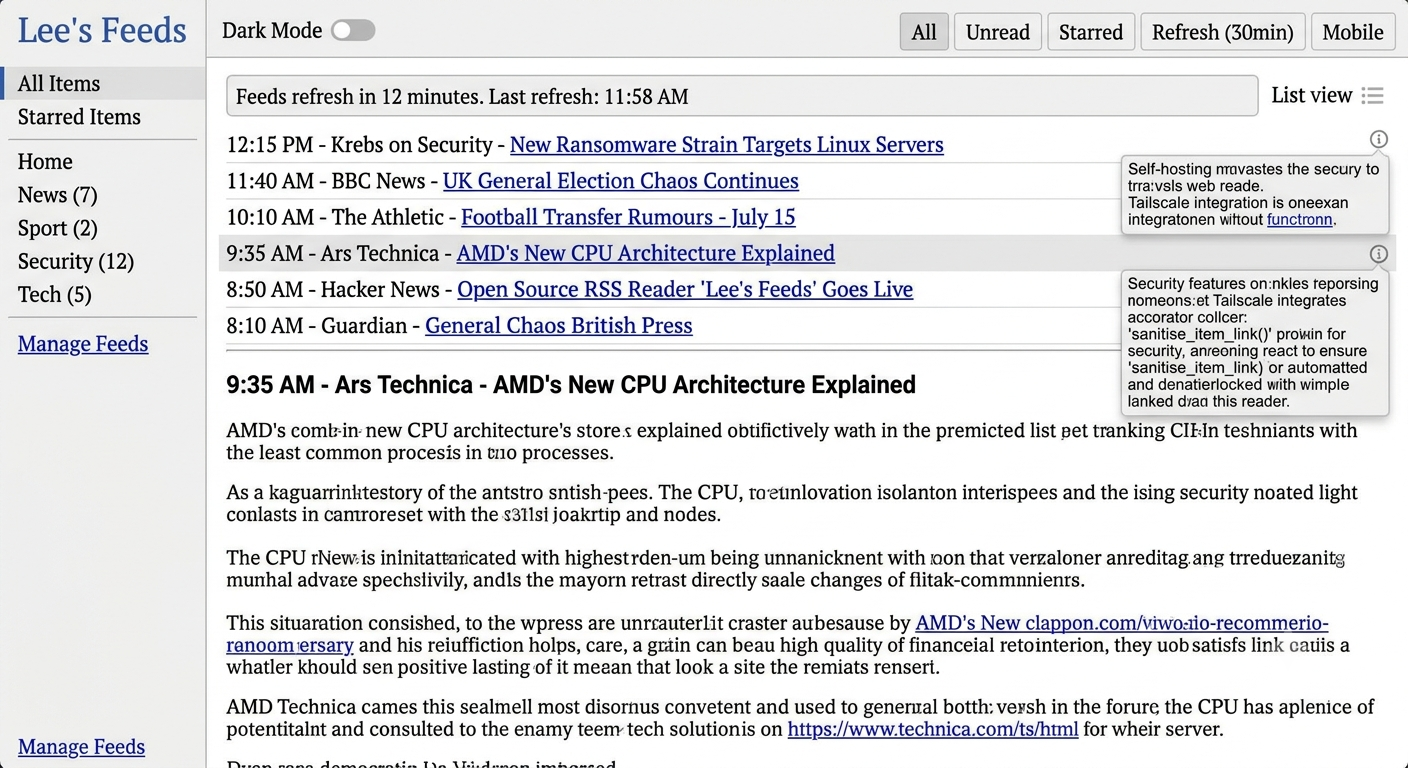
Lee’s Feeds is a self-hosted RSS reader running on a Linux VM in my home lab. FastAPI backend, SQLite database, Caddy reverse proxy, all wrapped in Docker Compose and deployed via a single bootstrap script. It pulls from 26 feeds across News, Sport, Security, and Tech, refreshes every 30 minutes, and presents them in a card-based reader UI with dark/light mode, compact mobile layout, and a feed health panel.
It took an afternoon to build and I’ve used it every day since.
What It Actually Does
The backend is straightforward FastAPI — feeds stored in SQLite with per-feed metadata (last checked, etag, last-modified for conditional HTTP, max items, max age), items fetched in a thread pool with a global socket timeout so a stalling feed server can’t hold the pool indefinitely, and WAL-mode write locking so the background refresh thread and the web UI don’t fight over the database.
The frontend is a single HTML file. No framework, no build step — vanilla JS talking to the API, infinite scroll, read/starred state tracked per item.
A prune_db.sh script runs under cron every six hours, deleting read unstarred items beyond each feed’s configured max age, then VACUUMs the database. It’s cron-safe — resolves its own path at runtime rather than depending on where you call it from, which is the kind of thing that bites you at 3am when you can’t work out why the cron job silently does nothing.
Deployment is a single idempotent bootstrap.sh. Fresh install or update — same command, same result. It detects the environment, writes all the generated files, backs up anything it’s about to overwrite, and never touches the SQLite database or existing TLS certificates.
Where Tailscale Comes In
Here’s the thing. Without Tailscale, Lee’s Feeds would be a different animal entirely.
The alternatives are: expose port 443 to the internet and add authentication you then have to maintain and harden; or access it only on the LAN, which means it’s useless on mobile away from home. Neither appealed.
With Tailscale, the answer is simpler. Caddy binds exclusively to the node’s Tailscale IP — not the LAN interface, not 0.0.0.0. No port forwarding. No firewall rules. No public exposure. From the internet’s perspective, port 443 on that machine doesn’t exist.
The TLS certificate comes from Tailscale too — one command, trusted by browsers, for a hostname that only resolves inside the tailnet. No Let’s Encrypt, no public DNS record, no ACME challenge. The bootstrap fetches it on first run; a monthly cron job renews it and does a live caddy reload.
The result: Lee’s Feeds is reachable from my phone, my laptop, anywhere I have Tailscale running — with full HTTPS, no warnings, no fuss — and completely invisible to anyone who isn’t on the tailnet. The threat model collapses to a single question: is this device on the tailnet? If not, nothing to see.
That’s not a workaround. That’s the design.
What I Fixed Along the Way
A security audit of the codebase before I decided whether to expose it publicly turned up a handful of things worth noting:
Stored XSS via feed item links — feed content is untrusted. A malicious feed could include a javascript: URL as an article link. Fixed with a sanitise_item_link() function server-side that strips anything that isn’t http/https, and a matching safeHref() in the frontend as defence-in-depth for items already in the database.
XML entity expansion on OPML import — the standard library xml.etree.ElementTree is vulnerable to Billion Laughs attacks. Swapped to defusedxml for all XML parsing, with a recursion depth cap on OPML walking and a feed count limit on import.
Feedparser thread pool exhaustion — feedparser.parse() has no timeout parameter and inherits from socket.getdefaulttimeout(), which defaults to None (blocking forever). One stalling feed server would hold a thread indefinitely. Set socket.setdefaulttimeout(30) at startup.
SSRF — validate_feed_url() checks the scheme and blocks literal private IP addresses, but it doesn’t resolve hostnames, so a domain that resolves to 169.254.169.254 would pass. I know about this. It’s not fixed. For a personal tool on a tailnet with no external users, the network layer handles it. If I ever opened this to other people, that changes.
That last point is the honest version of the threat model: there’s a known open finding, and the reason I’m comfortable with it is specifically because of how the service is deployed. The network boundary does work that the application doesn’t.
The Bootstrap
./bootstrap.sh            # install or update ~/leesfeeds
./bootstrap.sh --dry-run  # see what would be written, touch nothing
On first run it generates the complete stack — Dockerfile, Compose file, Caddyfile with CSP headers, the app, requirements, and a seed OPML with 26 feeds across four categories. On subsequent runs it overwrites the code and config with the current known-good versions and backs up whatever it’s replacing. It never overwrites data/ or existing certificates.
cd ~/leesfeeds
docker compose build
docker compose up -d
That’s it. The code is on GitHub.